Spring Security 7のMFAサポートを利用してTOTPによる2要素認証 (2FA) を行う
過去にSpring Securityで2要素認証 (2FA) を行う方法に関する記事を公開しましたが、Spring Security 7でMulti‑Factor Authentication (MFA) がサポートされたので、今回はその枠組みの中で前回同様に Time‑based One‑Time Password (TOTP) ベースの 2FA を実装してみます。
TOTP は Spring Security 7 のビルトイン Factor としてはサポートされていないので、カスタム実装を用意する必要があります。
Warning
前回の記事の後、Spring Security は 6.5 の段階でOne‑Time Token (OTT) 認証(メールなどで都度トークンを送る方式)とパスキー認証がサポートされており、これらは MFA でビルトインでサポートされています。
この状況下において、現時点で新規に TOTP を採用すべきかどうかはよく考える必要があります。この記事はあくまでも前回の記事を Spring Security 7 の MFA サポートの範疇で実装するとどう書き直せるか、という観点で書いています。
サンプルアプリのレポジトリはこちらです:
https://github.com/making/demo-2fa
Spring Boot 4.0.2、Spring Security 7.0.2で動作確認しています。
Spring SecurityのMFAサポートを理解するために、次のブログ記事・ドキュメントを一通り読んでおくことをお勧めします。
- https://spring.io/blog/2025/10/21/multi-factor-authentication-in-spring-security-7
- https://docs.spring.io/spring-security/reference/servlet/authentication/mfa.html
サンプルアプリのウォークスルー
まずはサンプルアプリをウォークスルーします。以下のコマンドで実行可能です(要 Docker)。
git clone https://github.com/making/demo-2fa
cd demo-2fa
./mvnw spring-boot:test-run
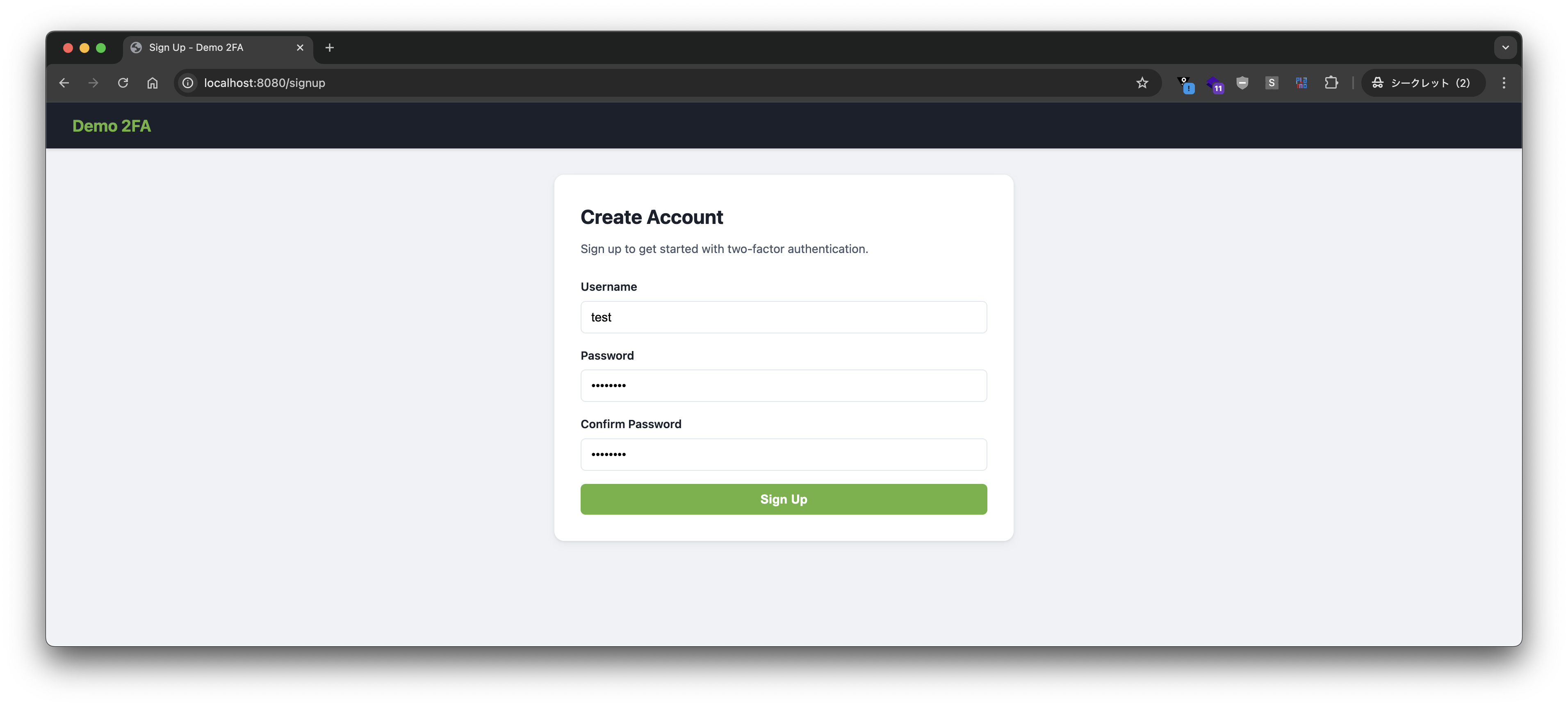
http://localhost:8080/signup にアクセスし、アカウントを登録します。
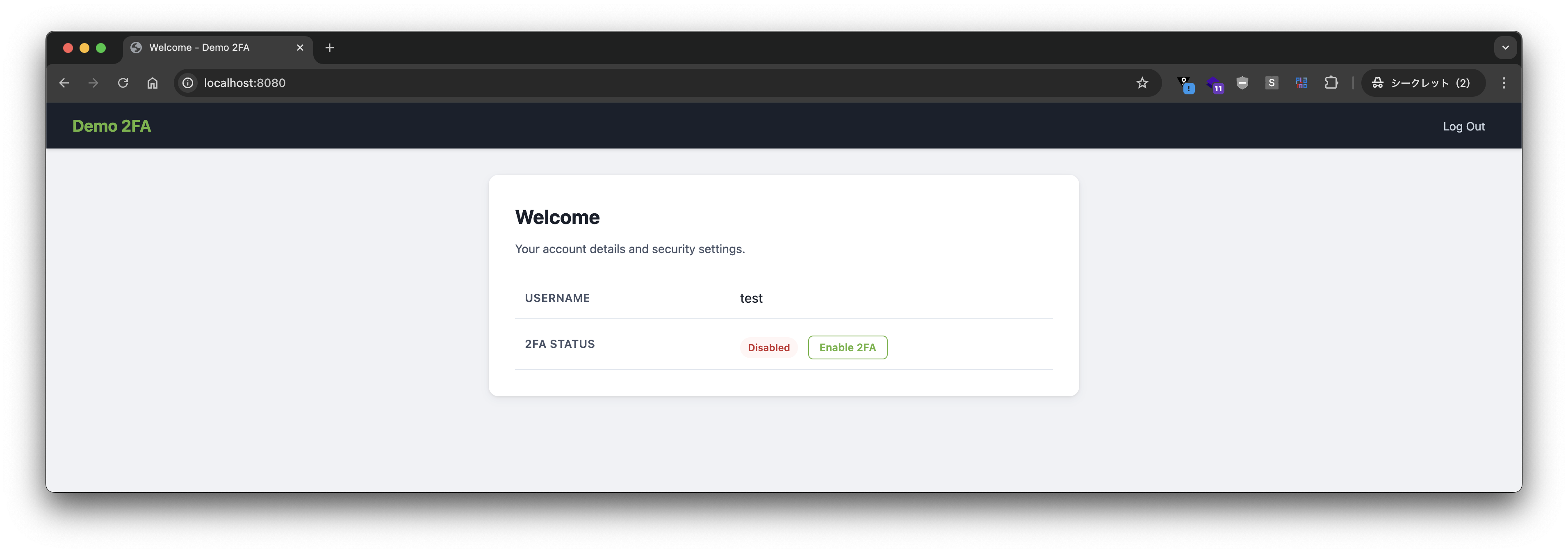
2FA はデフォルトで無効になっています。
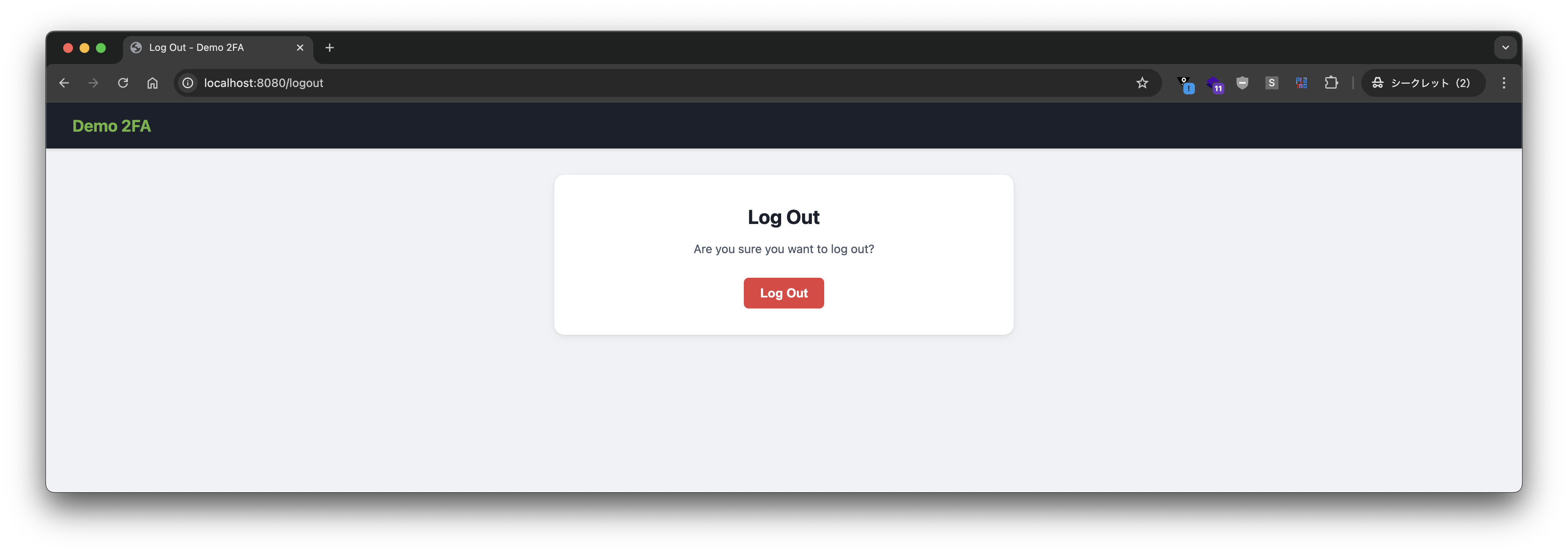
ログアウトします。
もう一度ログインします。
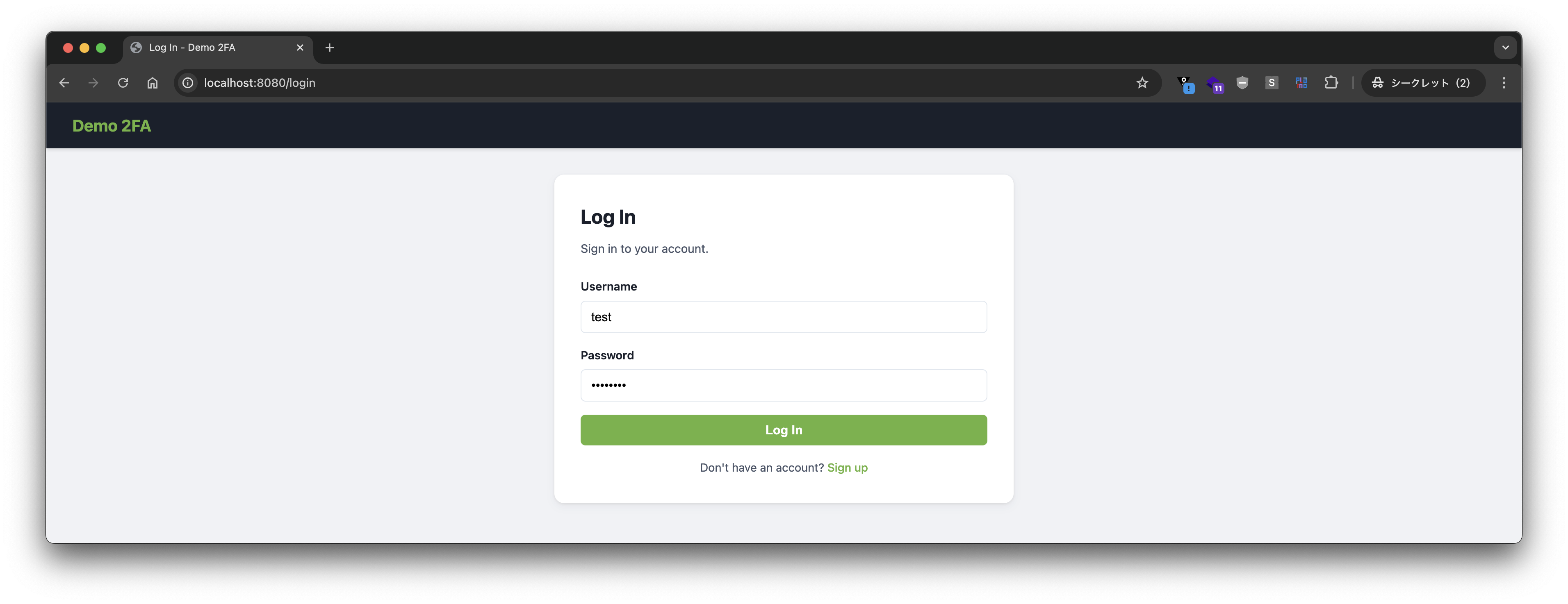
2FA が無効になっているので、ユーザー名とパスワードのみでログインが成功します。
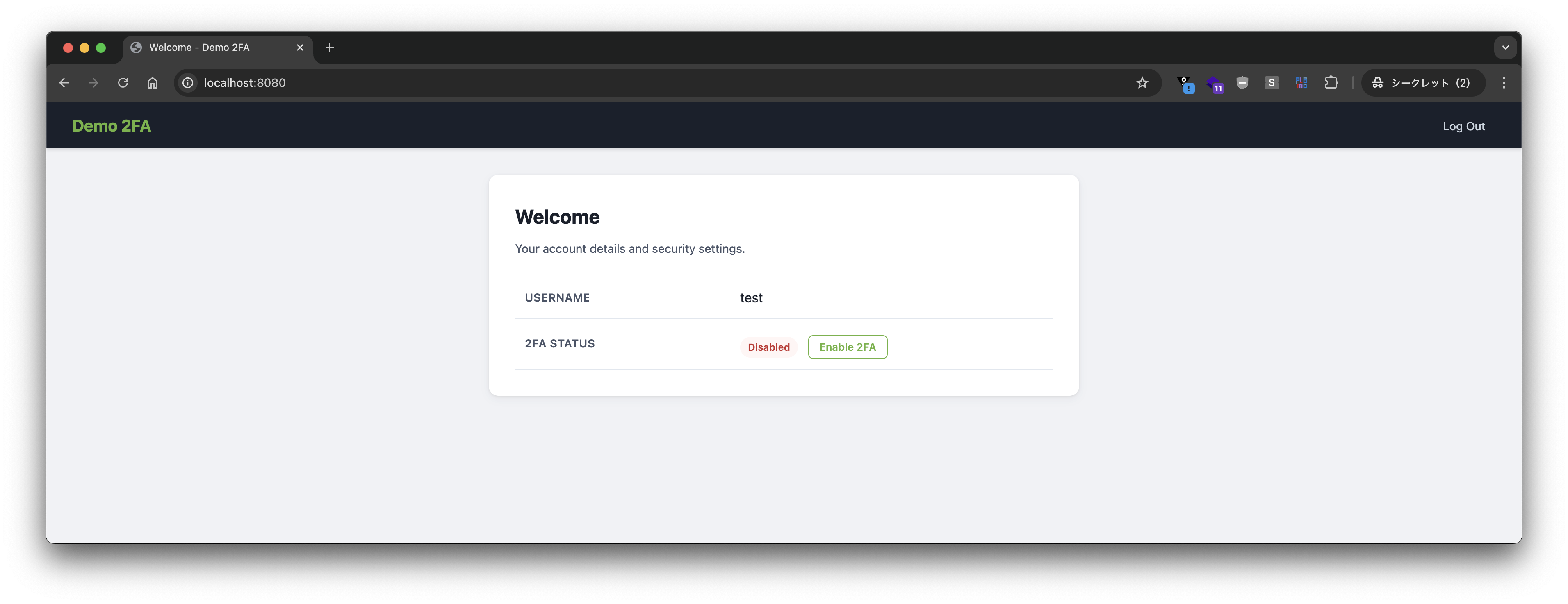
2FA を有効化します。
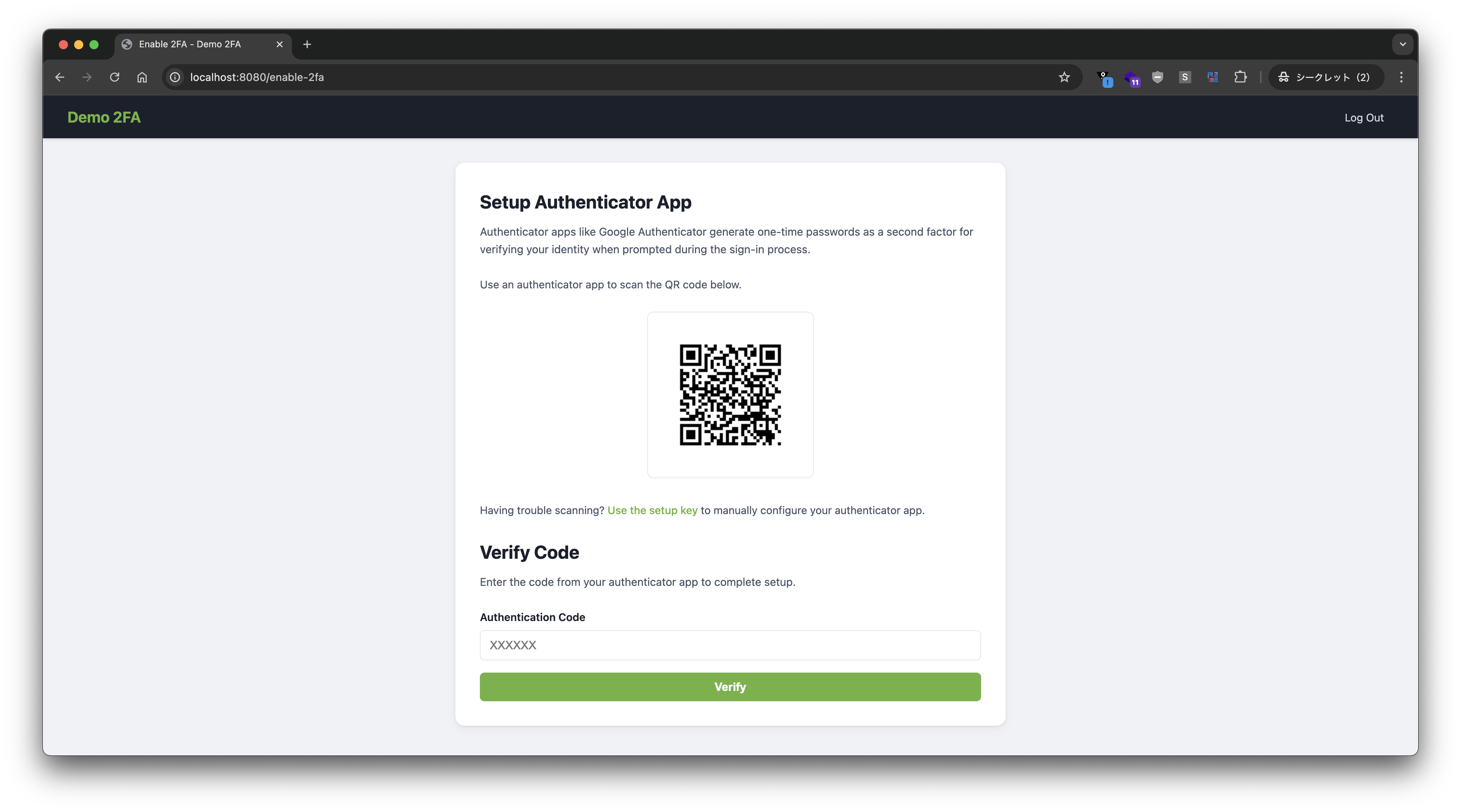
Google Authenticator を使って QR コードを読み込みます。
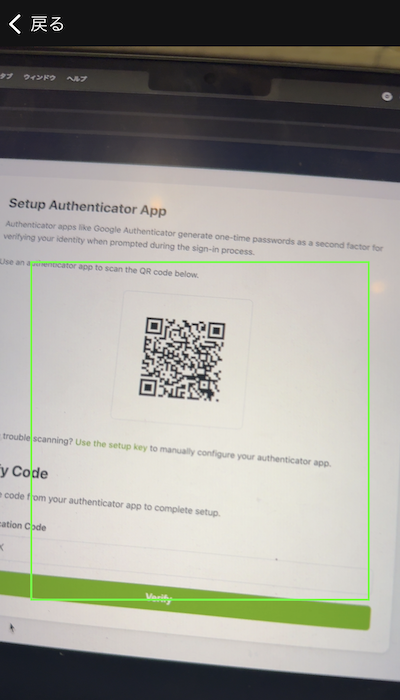
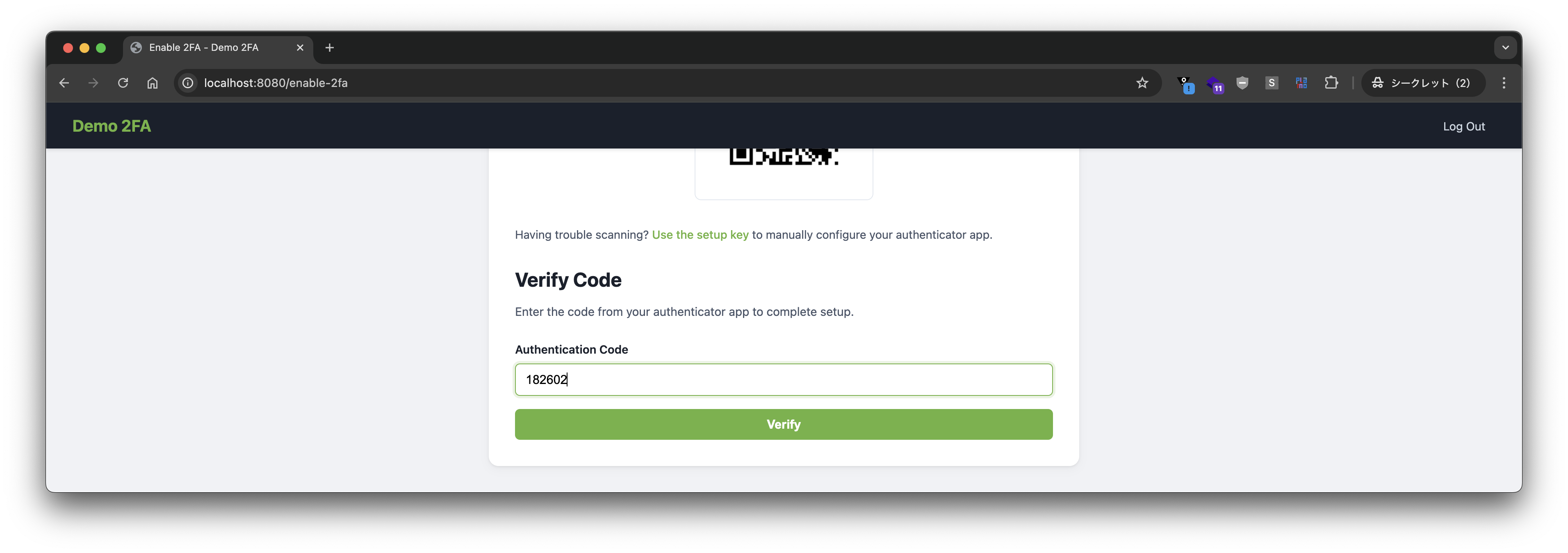
コードを確認します。
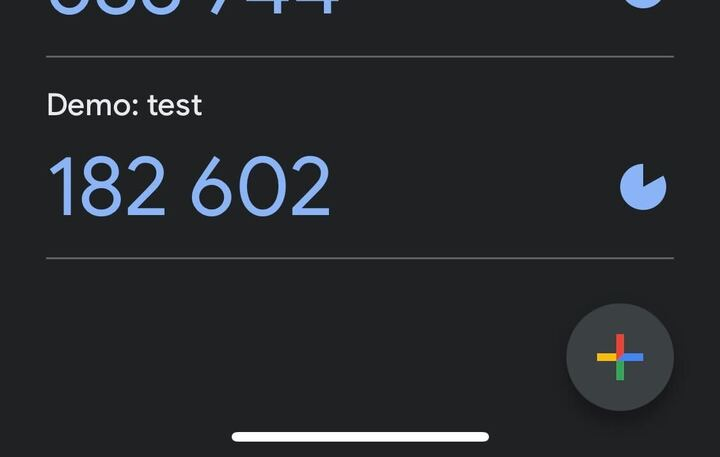
コードを入力して、verify ボタンを押します。
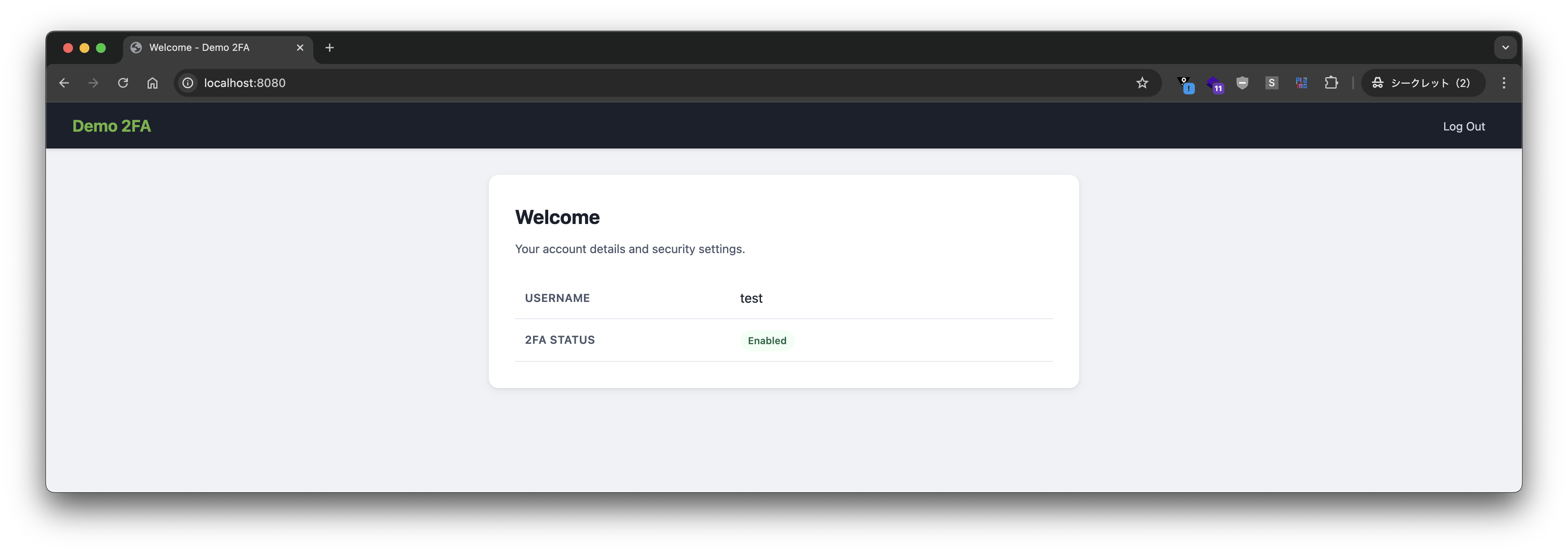
2FA が有効になりました。
ログアウトします。
もう一度ログインします。
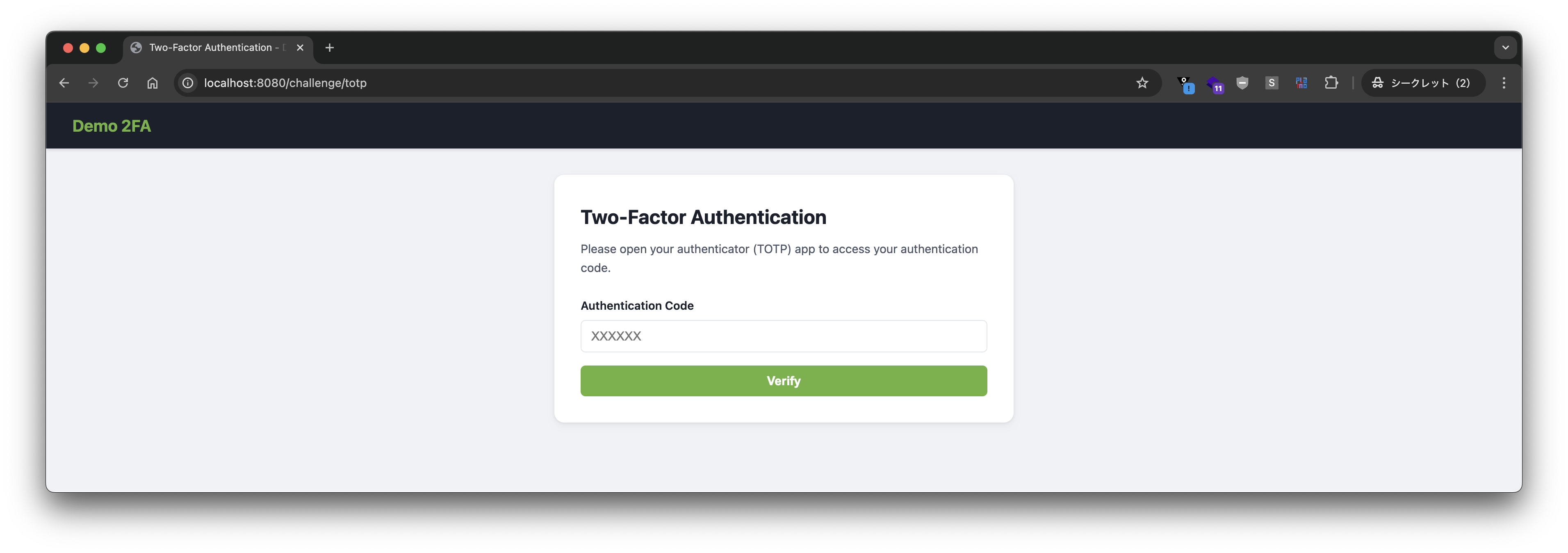
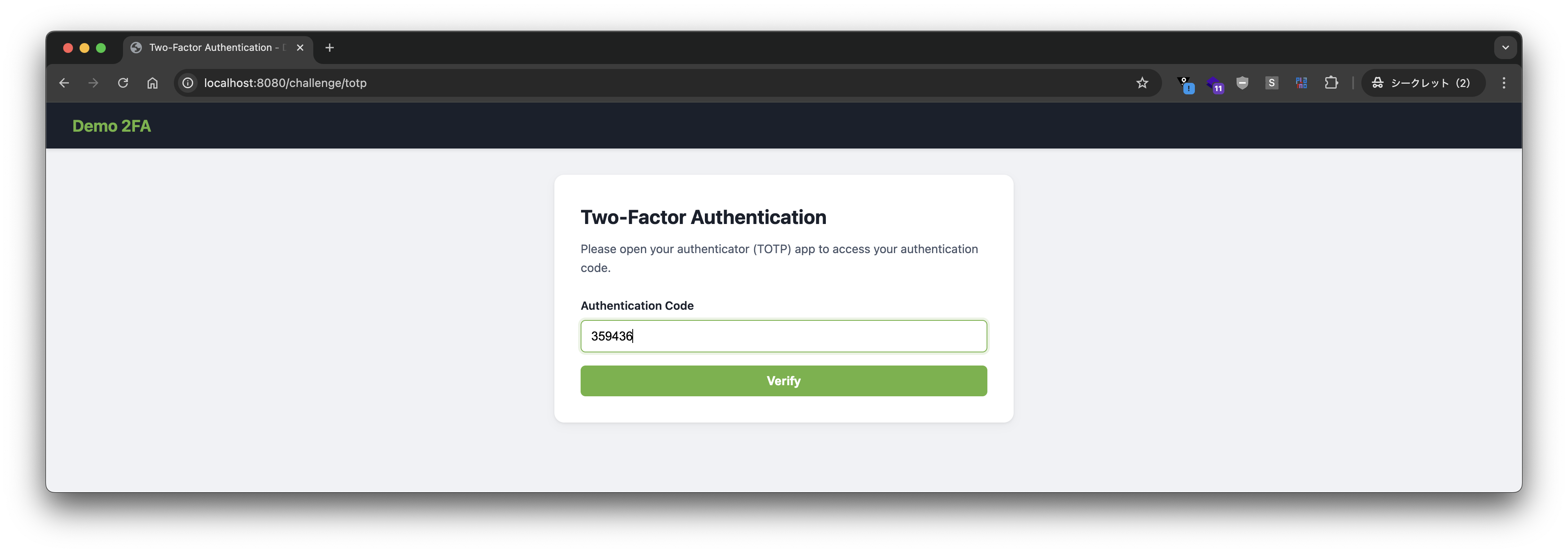
今回は 2FA が有効になっているので、コードの入力を求められます。
Google Authenticator でコードを確認します。
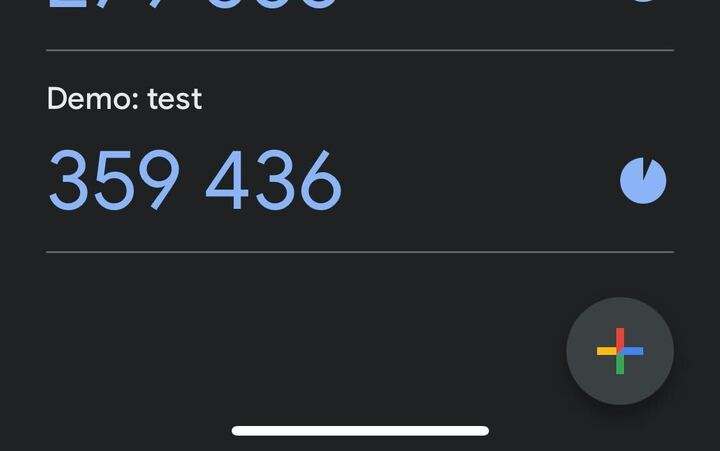
コードを入力して、verify ボタンを押します。
ログインが成功しました。
実装の説明
SecurityFilterChain の定義は次のようになります。
@Bean
SecurityFilterChain securityFilterChain(HttpSecurity http) {
	var mfa = new DefaultAuthorizationManagerFactory<>();
	mfa.setAdditionalAuthorization(new TotpTwoFactorAuthorizationManager());
	return http.authorizeHttpRequests(authorize -> authorize
		.requestMatchers("/error", "/signup", "/logout", "/*.css").permitAll()
		.requestMatchers("/challenge/totp", "/enable-2fa").hasAuthority(FactorGrantedAuthority.PASSWORD_AUTHORITY)
		.anyRequest().access(mfa.authenticated())
	)
		.formLogin(form -> form.loginPage("/login").defaultSuccessUrl("/", true).permitAll())
		.exceptionHandling(exceptions -> exceptions.defaultDeniedHandlerForMissingAuthority(
				(request, response, exception) -> response.sendRedirect("/challenge/totp"),
				TotpFactor.TOTP_AUTHORITY))
		.securityContext(securityContext -> securityContext.requireExplicitSave(false))
		.build();
}
ポイントは以下です。
/challenge/totpなど、TOTP 認証前ではFactorGrantedAuthority.PASSWORD_AUTHORITY(="FACTOR_PASSWORD") が求められ、パスワード認証が必要になる。- 任意のリクエストが
TotpTwoFactorAuthorizationManagerによる認可が必要で、この AuthorizationManager では、2FA が有効になっていない場合は"FACTOR_PASSWORD"が求められ、2FA が有効になっている場合は"FACTOR_PASSWORD"と"FACTOR_TOTP"が求められる。 defaultDeniedHandlerForMissingAuthorityにて、TotpFactor.TOTP_AUTHORITY(="FACTOR_TOTP") が不足している場合は、/challenge/totpに遷移させるAuthenticationEntryPointを指定する。
TotpTwoFactorAuthorizationManager の実装は次のとおりです。
package com.example.totp;

import com.example.account.Account;
import com.example.account.AccountUserDetails;
import org.jspecify.annotations.Nullable;
import org.slf4j.Logger;
import org.slf4j.LoggerFactory;
import org.springframework.security.authentication.UsernamePasswordAuthenticationToken;
import org.springframework.security.authorization.AllAuthoritiesAuthorizationManager;
import org.springframework.security.authorization.AuthorityAuthorizationManager;
import org.springframework.security.authorization.AuthorizationDecision;
import org.springframework.security.authorization.AuthorizationManager;
import org.springframework.security.authorization.AuthorizationResult;
import org.springframework.security.core.Authentication;
import org.springframework.security.core.authority.FactorGrantedAuthority;

import java.util.function.Supplier;

public class TotpTwoFactorAuthorizationManager implements AuthorizationManager<Object> {

	private final AuthorizationManager<Object> mfa = AllAuthoritiesAuthorizationManager
		.hasAllAuthorities(FactorGrantedAuthority.PASSWORD_AUTHORITY, TotpFactor.TOTP_AUTHORITY);

	private final AuthorizationManager<Object> passwordOnly = AuthorityAuthorizationManager
		.hasAuthority(FactorGrantedAuthority.PASSWORD_AUTHORITY);

	private final Logger log = LoggerFactory.getLogger(this.getClass());

	@Override
	public AuthorizationResult authorize(Supplier<? extends @Nullable Authentication> authentication, Object context) {
		log.info("Authorizing {}", authentication.get());
		if (authentication.get() instanceof UsernamePasswordAuthenticationToken upat) {
			if (upat.getPrincipal() instanceof AccountUserDetails accountUserDetails) {
				Account account = accountUserDetails.getAccount();
				log.info("username={} 2FA={}", account.username(), account.twoFactorEnabled() ? "enabled" : "disabled");
				if (account.twoFactorEnabled()) {
					return this.mfa.authorize(authentication, context);
				}
				else {
					return this.passwordOnly.authorize(authentication, context);
				}
			}
		}
		log.warn("Authentication is not of expected type");
		return new AuthorizationDecision(false);
	}

}
前回の記事の実装では、パスワード認証と TOTP 認証の両方が成功して初めて「authenticated」な状態にしていました。そのため、AuthenticationSuccessHandler の中、すなわち認証プロセスの途中で 2FA の有無を判断していました。
Spring Security 7 の MFA では
- パスワード認証成功 →
FACTOR_PASSWORDAuthority(ビルトイン)が付与される。 - TOTP 認証成功 →
FACTOR_TOTPAuthority(カスタム)が付与される。
と、独立した Authority をそれぞれ考えればよくなり、また defaultDeniedHandlerForMissingAuthority メソッドが追加されたことにより、個別の Authority 不足に対する AuthenticationEntryPoint を指定できるようになったので、実装がよりシンプルになりました。AuthenticationSuccessHandler の実装も不要になりました。
これにより、ウォークスルーの中で見た 2FA 有効後のログアウトの後のフローでは
- ログインフォームでパスワード認証 →
FACTOR_PASSWORDが付与される。 TotpTwoFactorAuthorizationManagerにFACTOR_TOTPが足りないと判断される。/challenge/totpに遷移される。- TOTP 認証 →
FACTOR_TOTPが付与される。 TotpTwoFactorAuthorizationManagerに認可される。
という判断が行われていました。
FACTOR_TOTP は今回の記事で追加したカスタム Authority なので、TOTP 認証成功時の Authority の付与は実装する必要があります。
/challenge/totp に対するコントローラは次のようになっています。
@PostMapping(path = "/challenge/totp")
public void processTotp(@RequestParam String code, HttpServletRequest request, HttpServletResponse response,
        @AuthenticationPrincipal AccountUserDetails principal, Authentication authentication)
        throws ServletException, IOException {
    Account account = principal.getAccount();
    if (this.codeVerifier.verify(account, code)) {
        Authentication token = authentication.toBuilder()
            .principal(principal)
            .authorities(
                    // ⭐️ Grant "FACTOR_TOTP"
                    authorities -> authorities.add(FactorGrantedAuthority.fromAuthority(TotpFactor.TOTP_AUTHORITY)))
            .build();
        SecurityContextHolder.getContext().setAuthentication(token);
        this.successHandler.onAuthenticationSuccess(request, response, token);
    }
    else {
        this.failureHandler.onAuthenticationFailure(request, response, new BadCredentialsException("Invalid code"));
    }
}
その他の詳細はソースコードを確認してください。
この記事では Spring Security 7 の MFA サポートでカスタム Factor として TOTP を実装し、2FA のフローを実装する方法を紹介しました。MFA を実装したい場合は、TOTP のカスタム実装を試みる前に、まずはビルトインの Factor を検討してください。まずは、MFA サポートの公式ドキュメント をよく読むことをお勧めします。